
Free Image to Sketch
Converter
Turn photos into pencil sketches, cute doodles, gouache folk and naive storybook illustrations, line art, coloring pages, ink wash art, and cloud-shaped sky art.
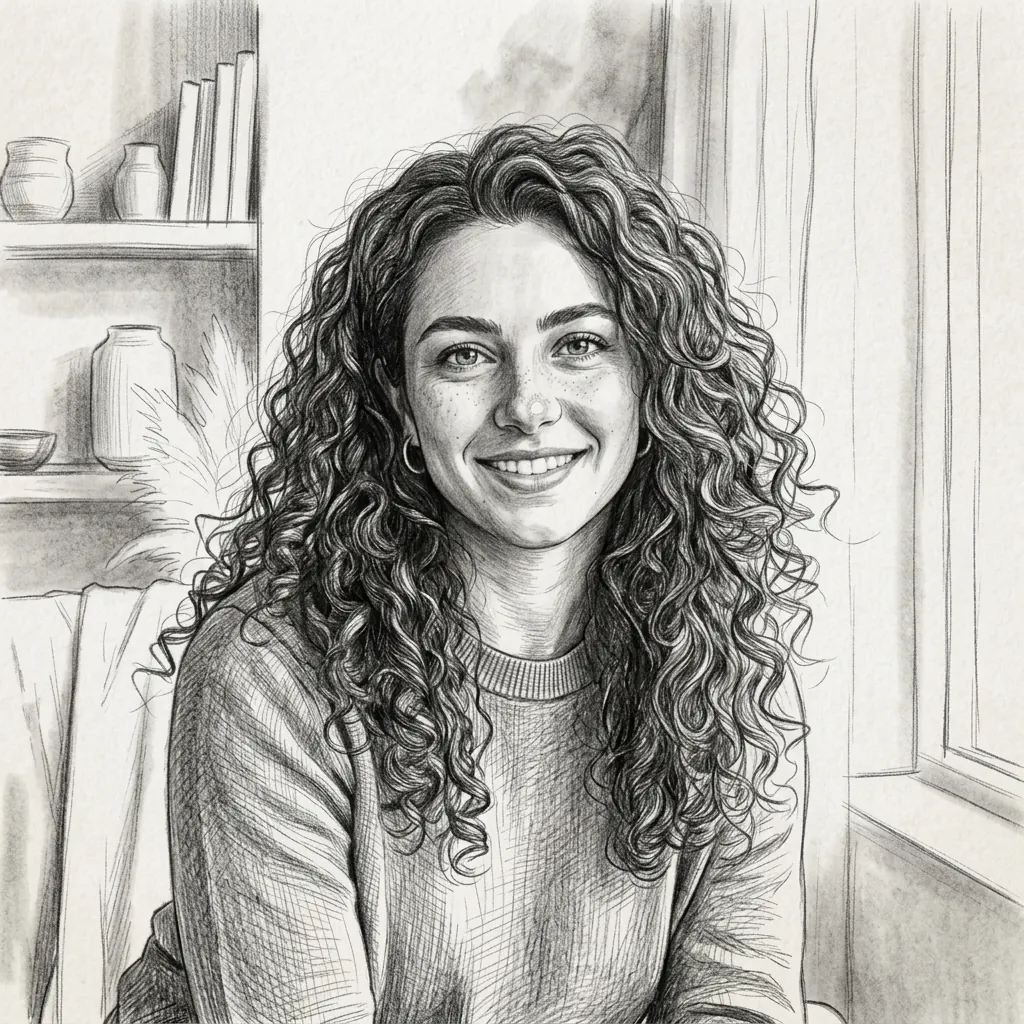
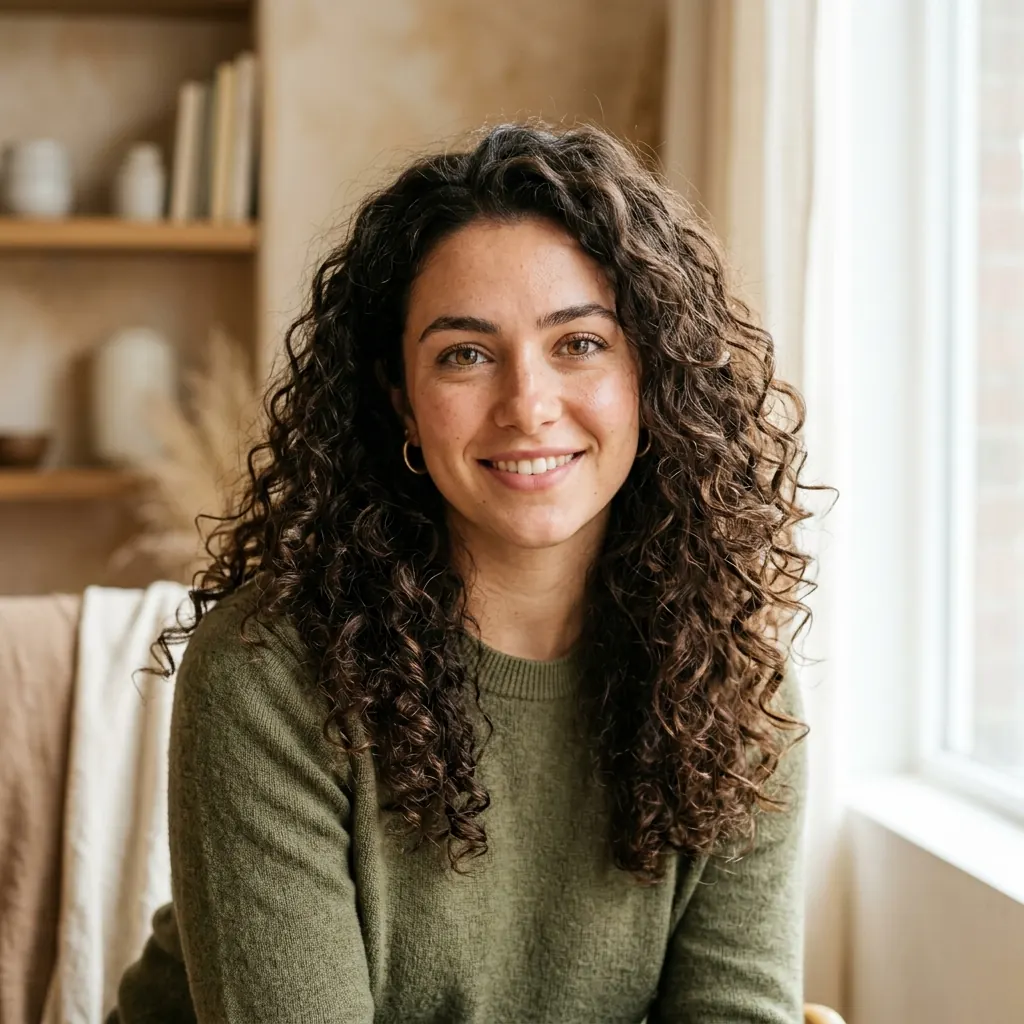
How to Convert an Image to Sketch Online
From uploaded image to a pencil sketch, ink wash sketch, cloud sketch, clean line drawing, or printable coloring page in three clear steps.
1. Upload a Photo
Start with a portrait, pet photo, product image, plant, object, or high-contrast scene for the cleanest sketch conversion.
2. Choose a Style
Pick pencil sketch, clean line drawing, ink wash sketch, cloud sketch, coloring page outline, or Awkward Doodle depending on the result you want.
3. Download the Result
Save your sketch, line art, coloring page, or doodle output, and keep generated results in your account history when you are signed in.
Image to Sketch Examples
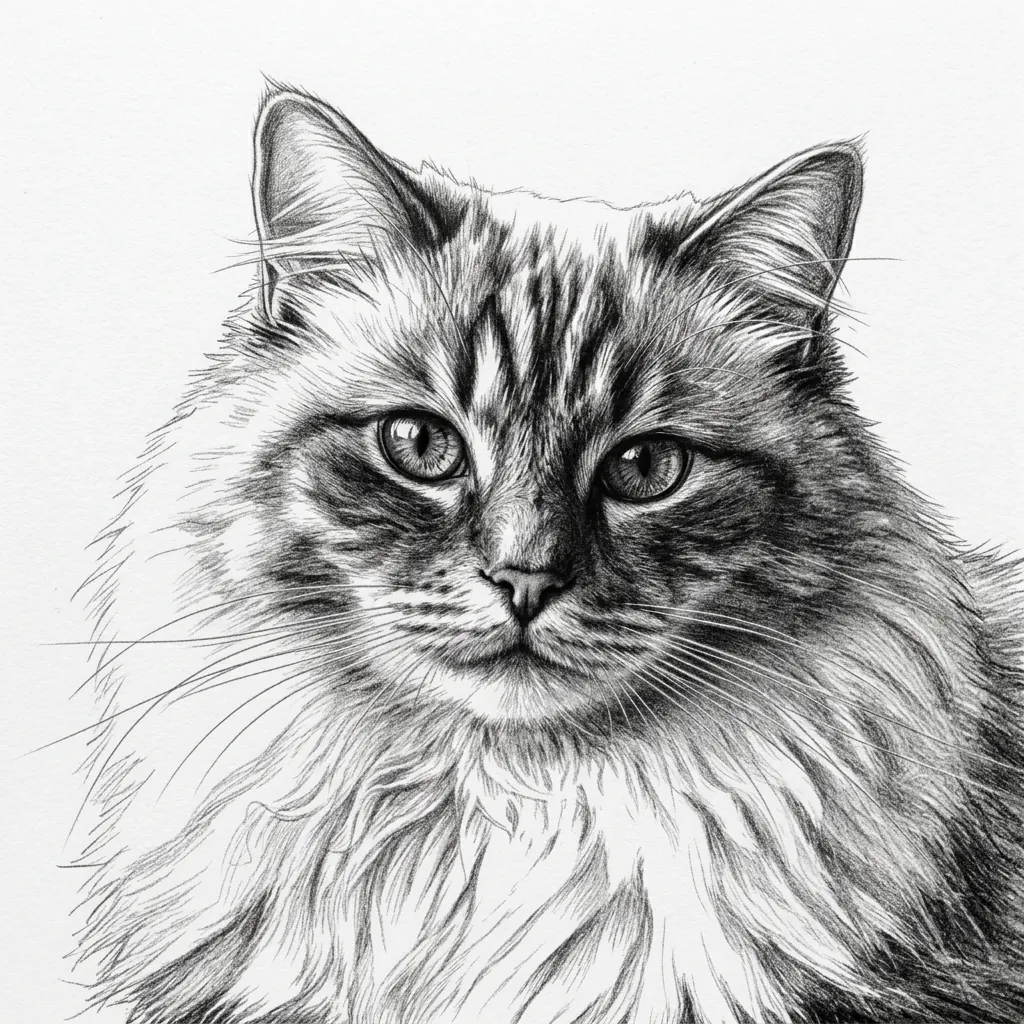
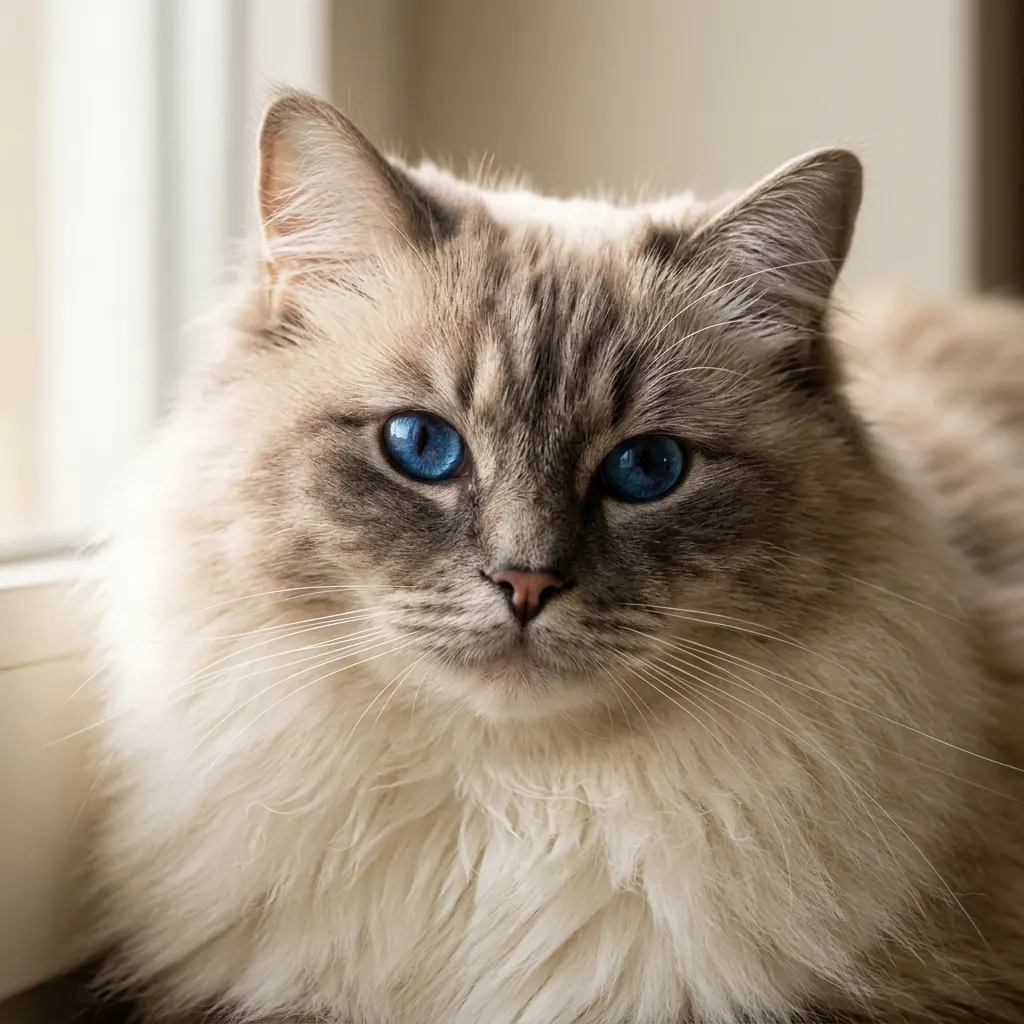
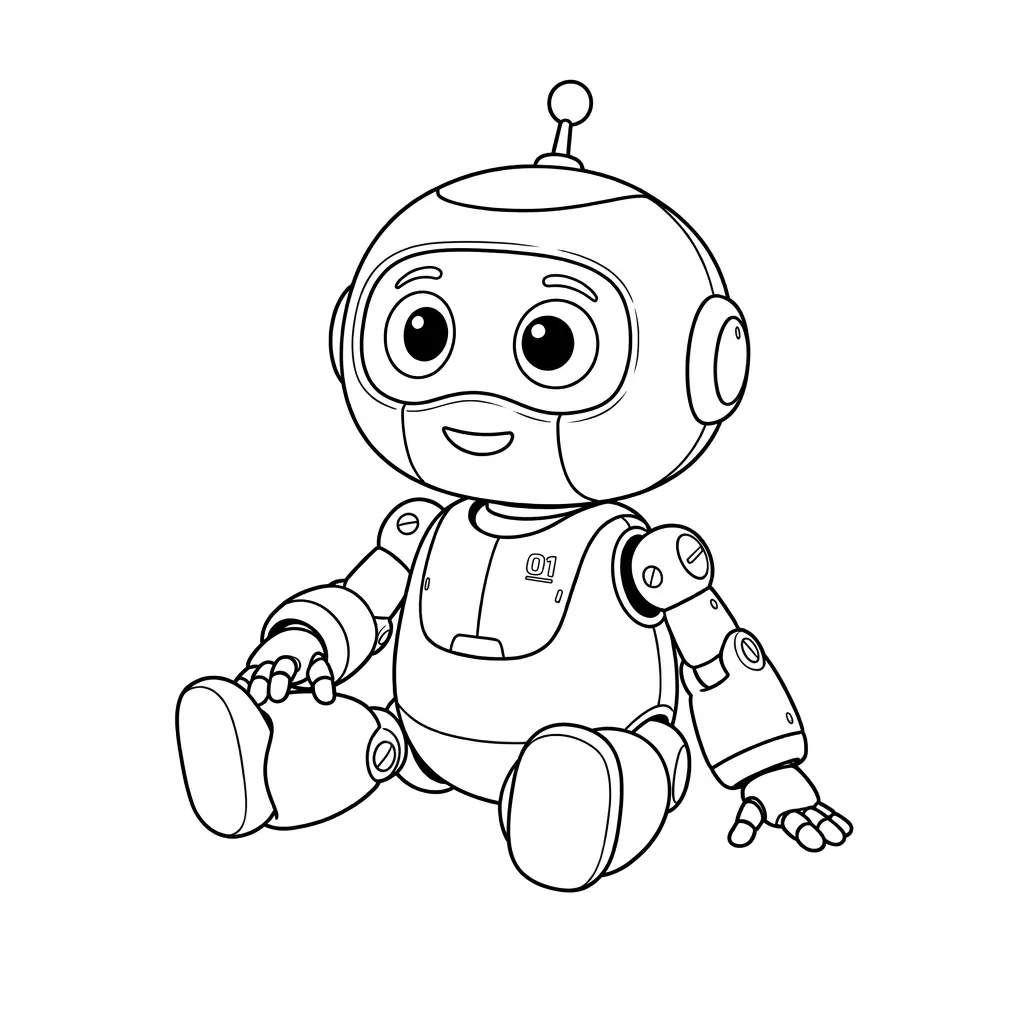
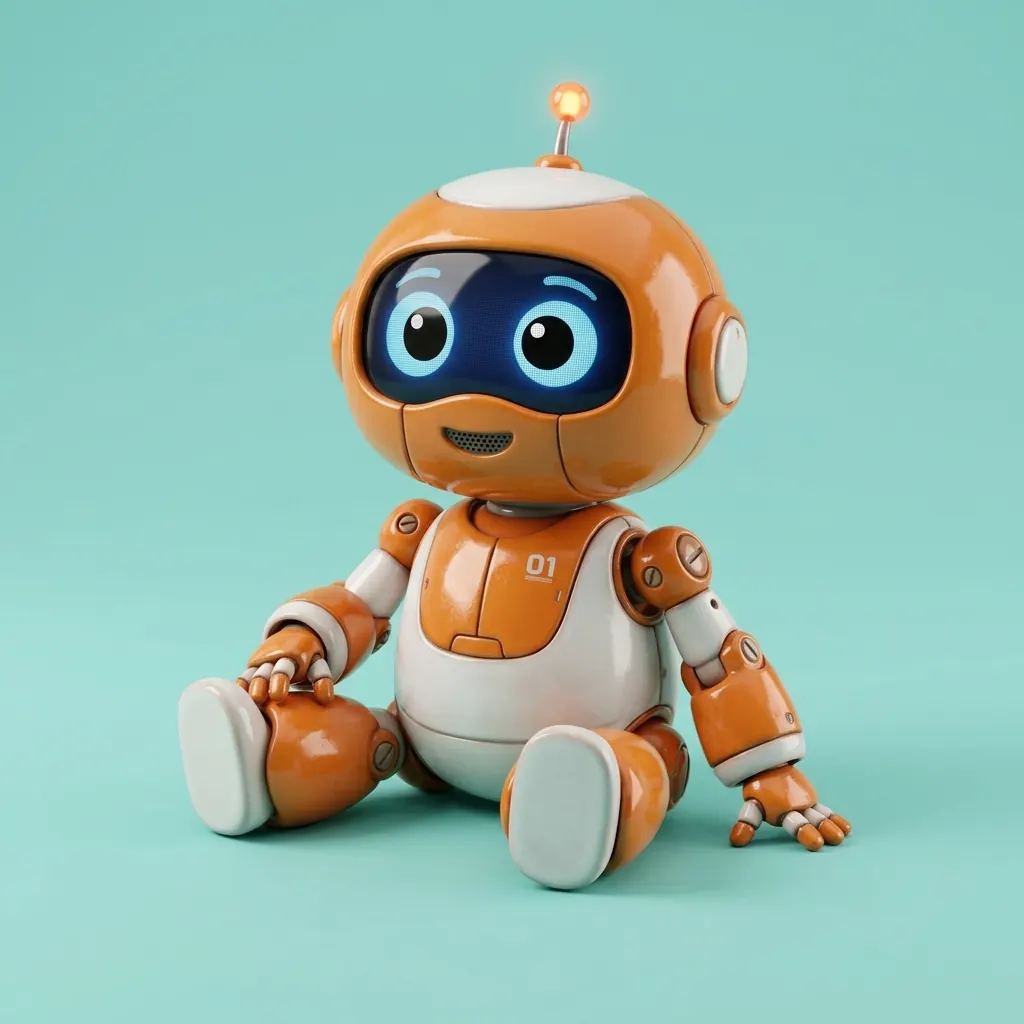
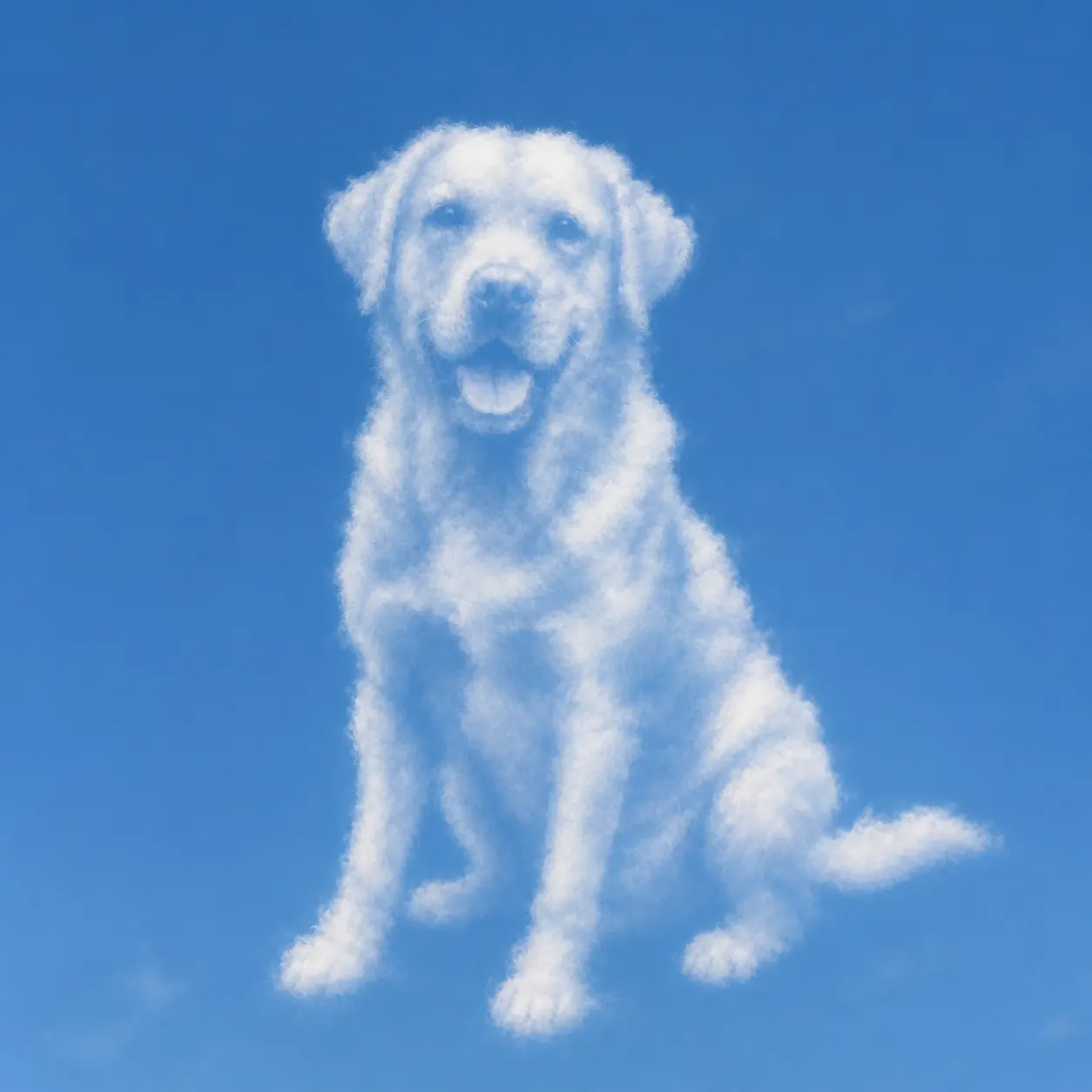
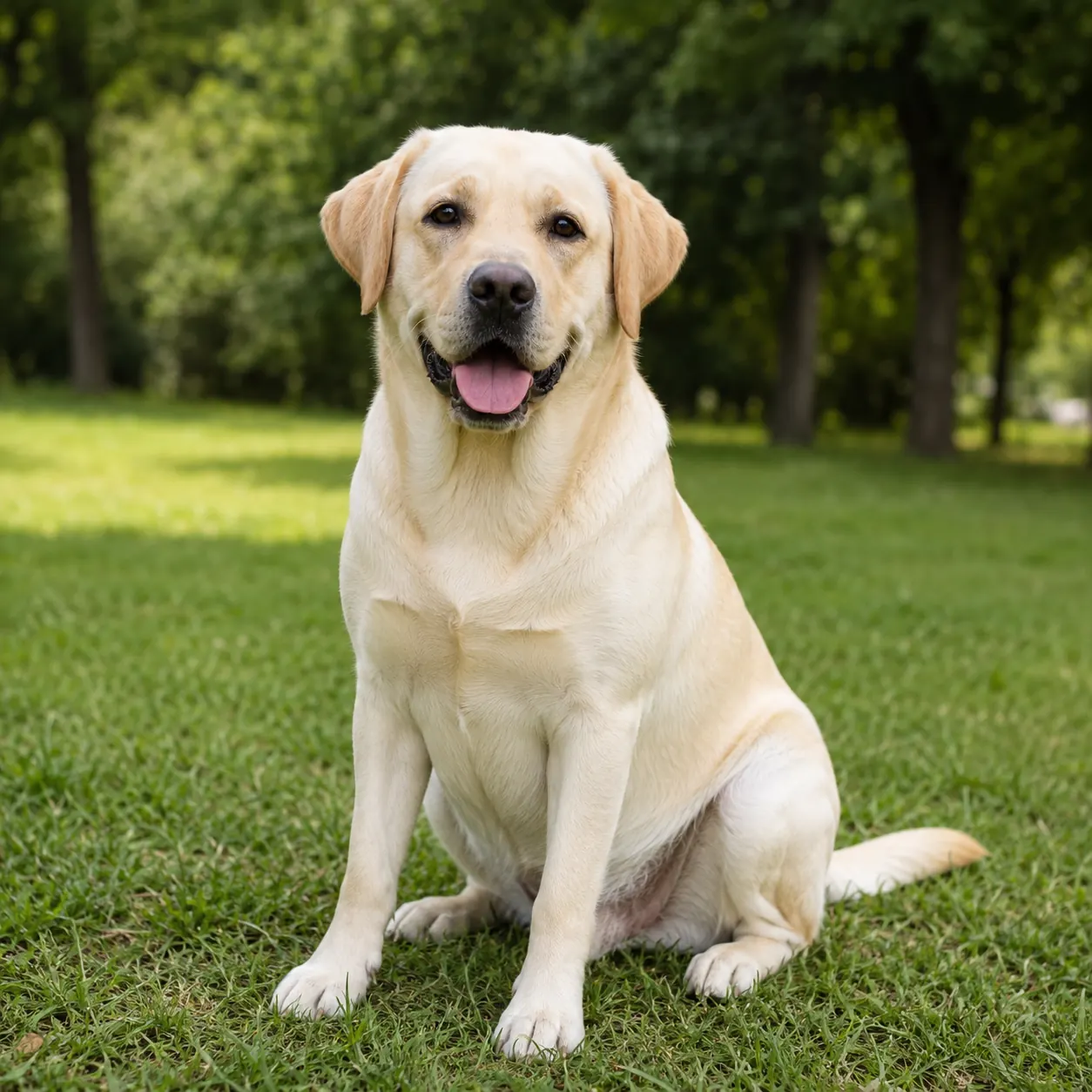
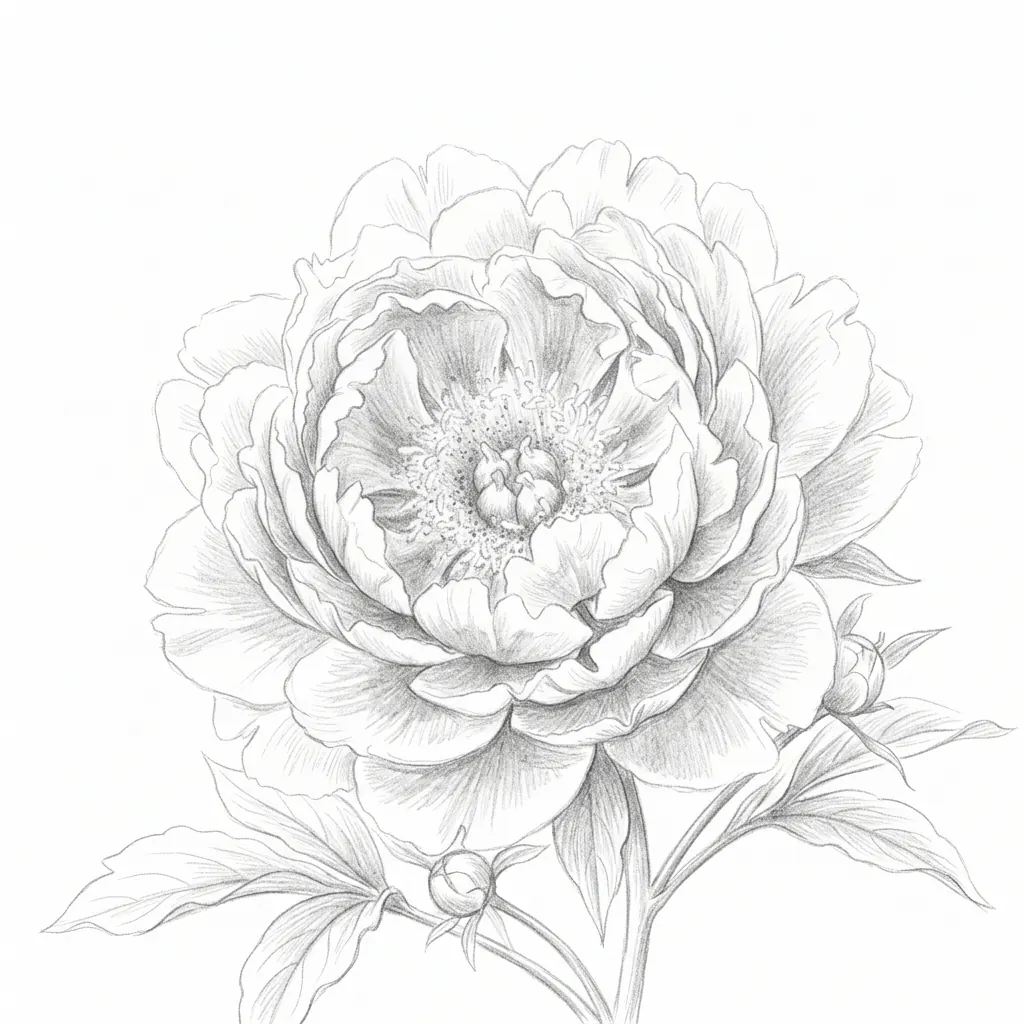
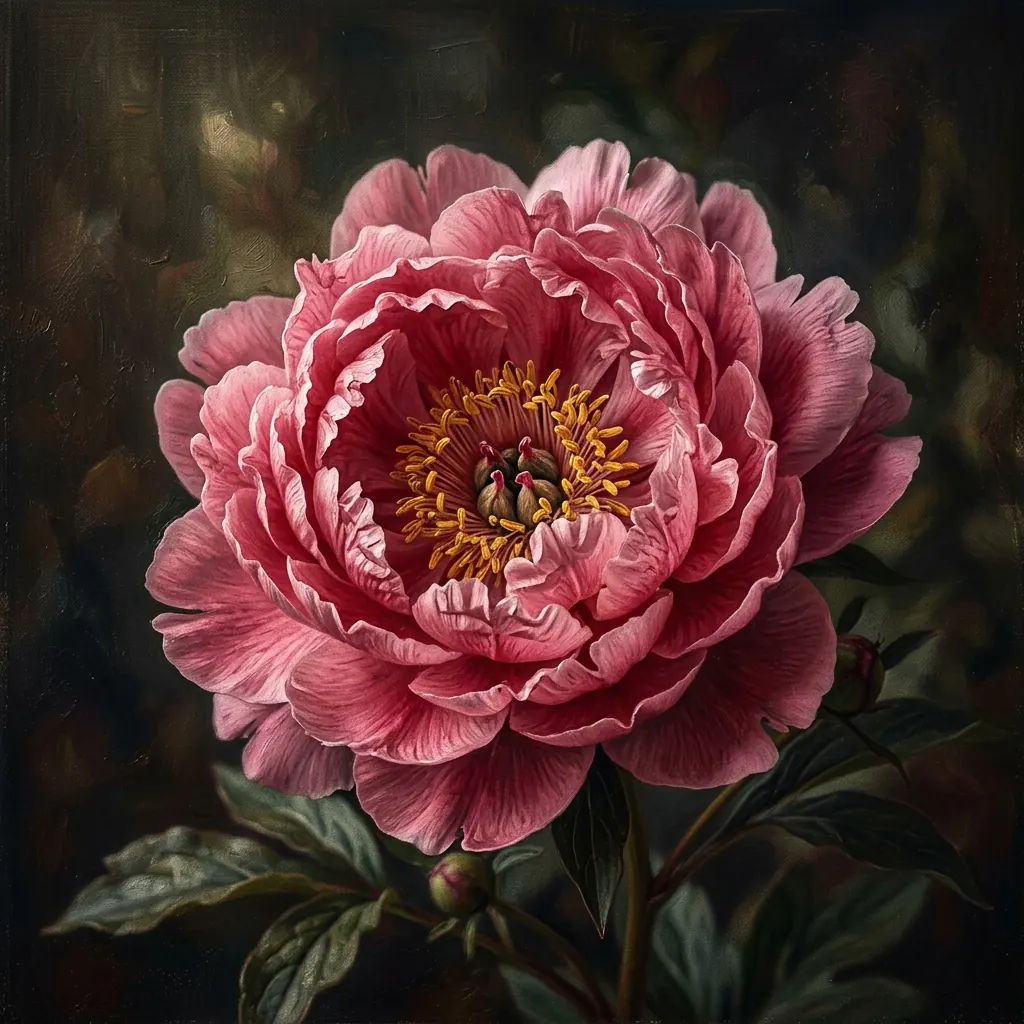
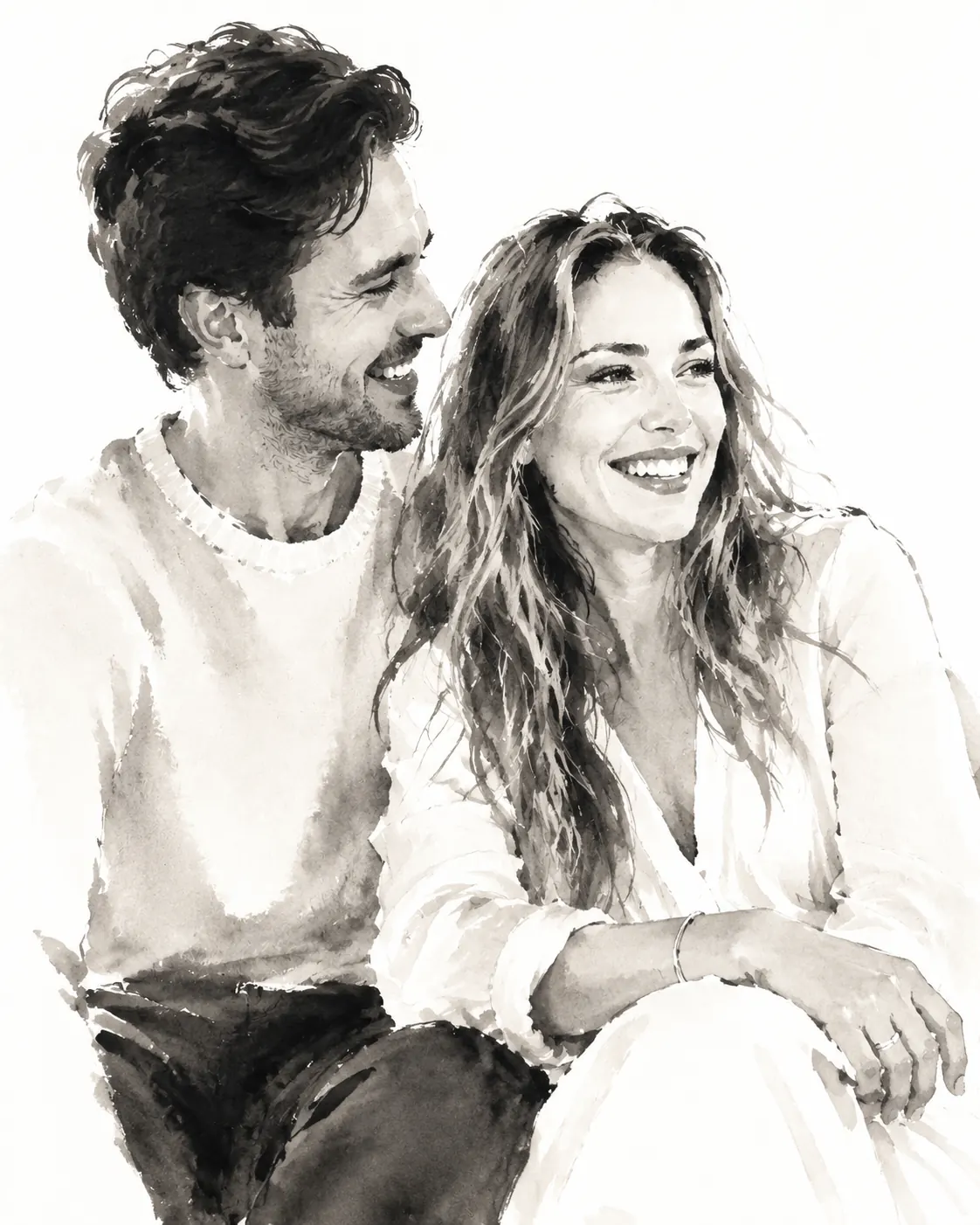
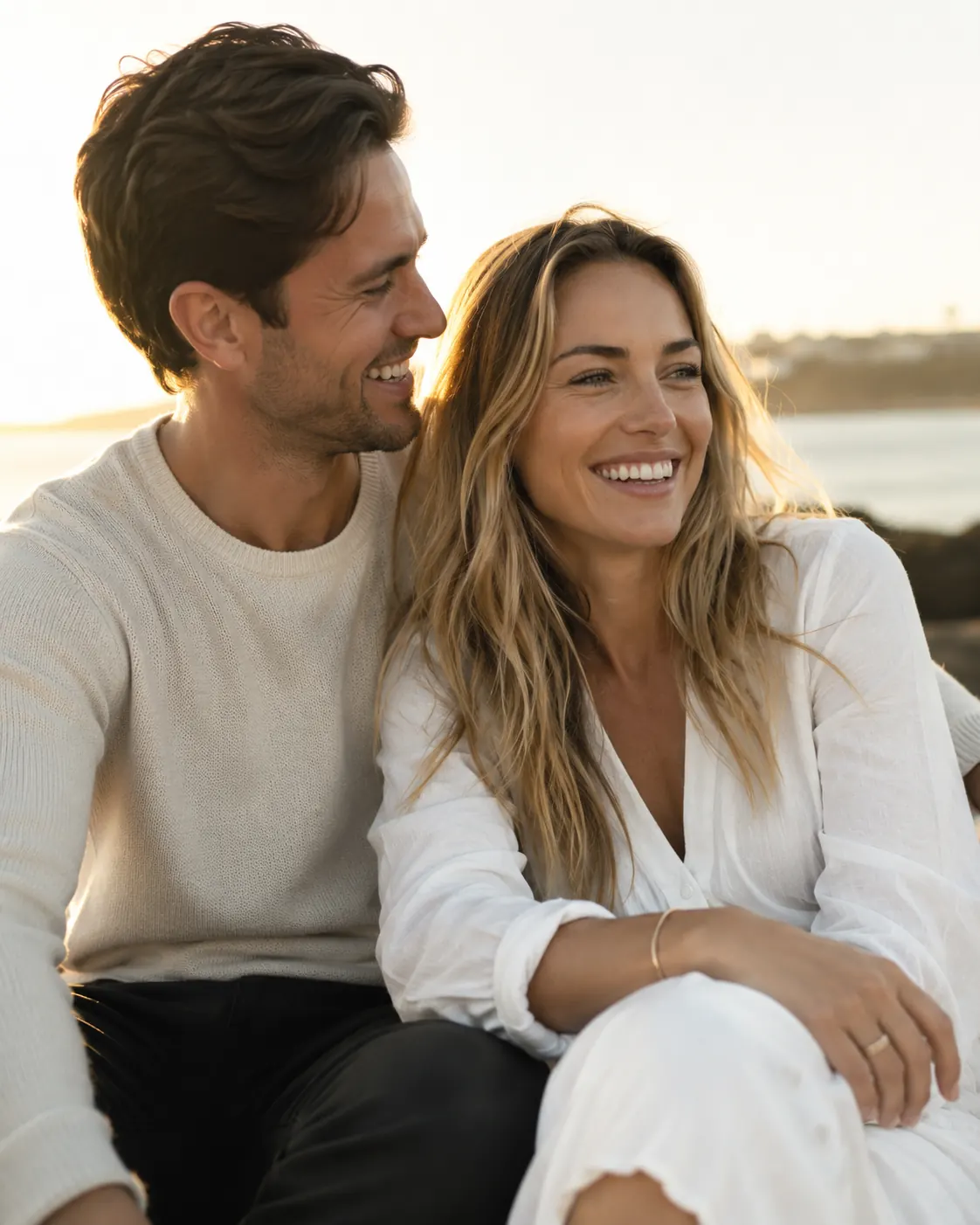
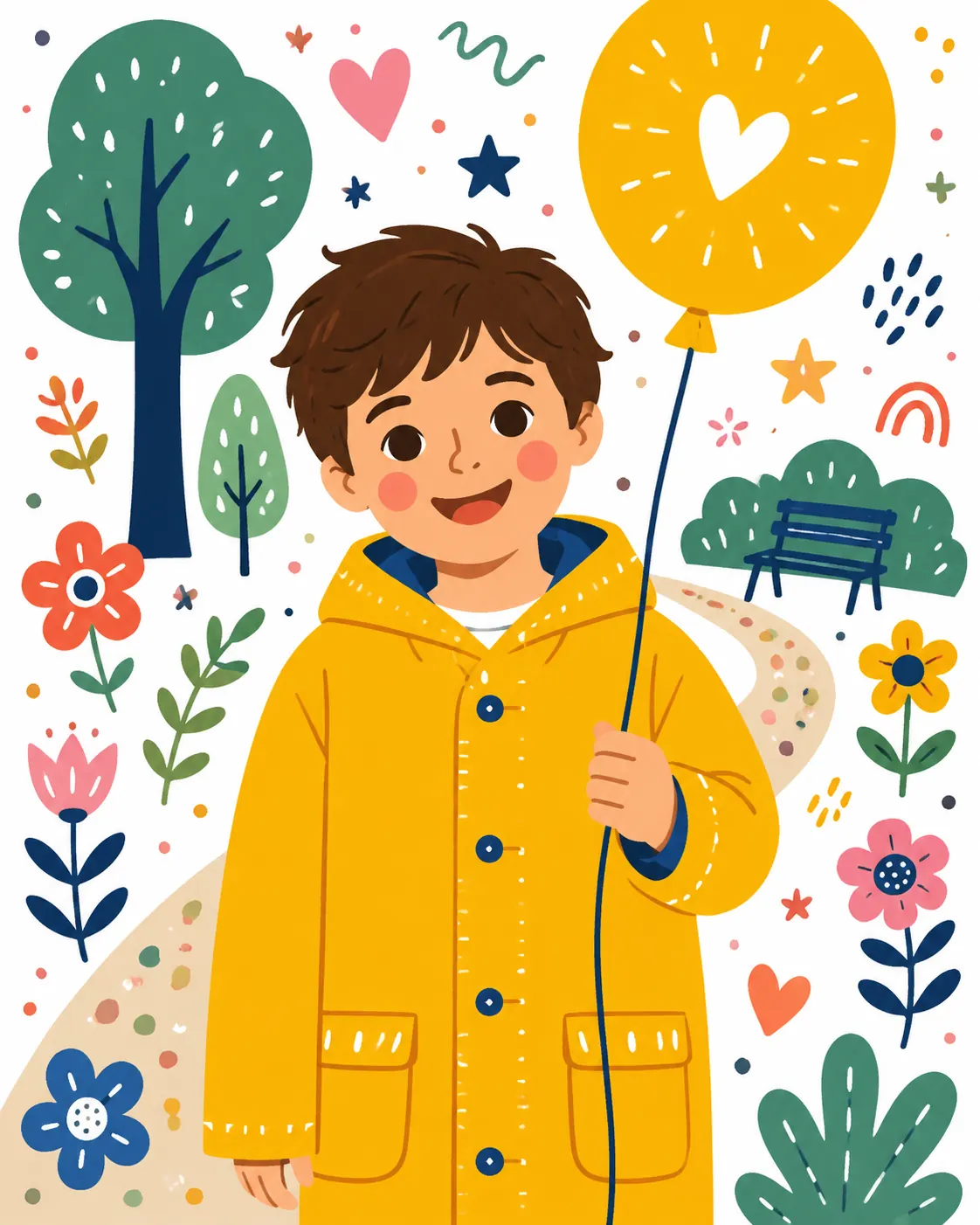
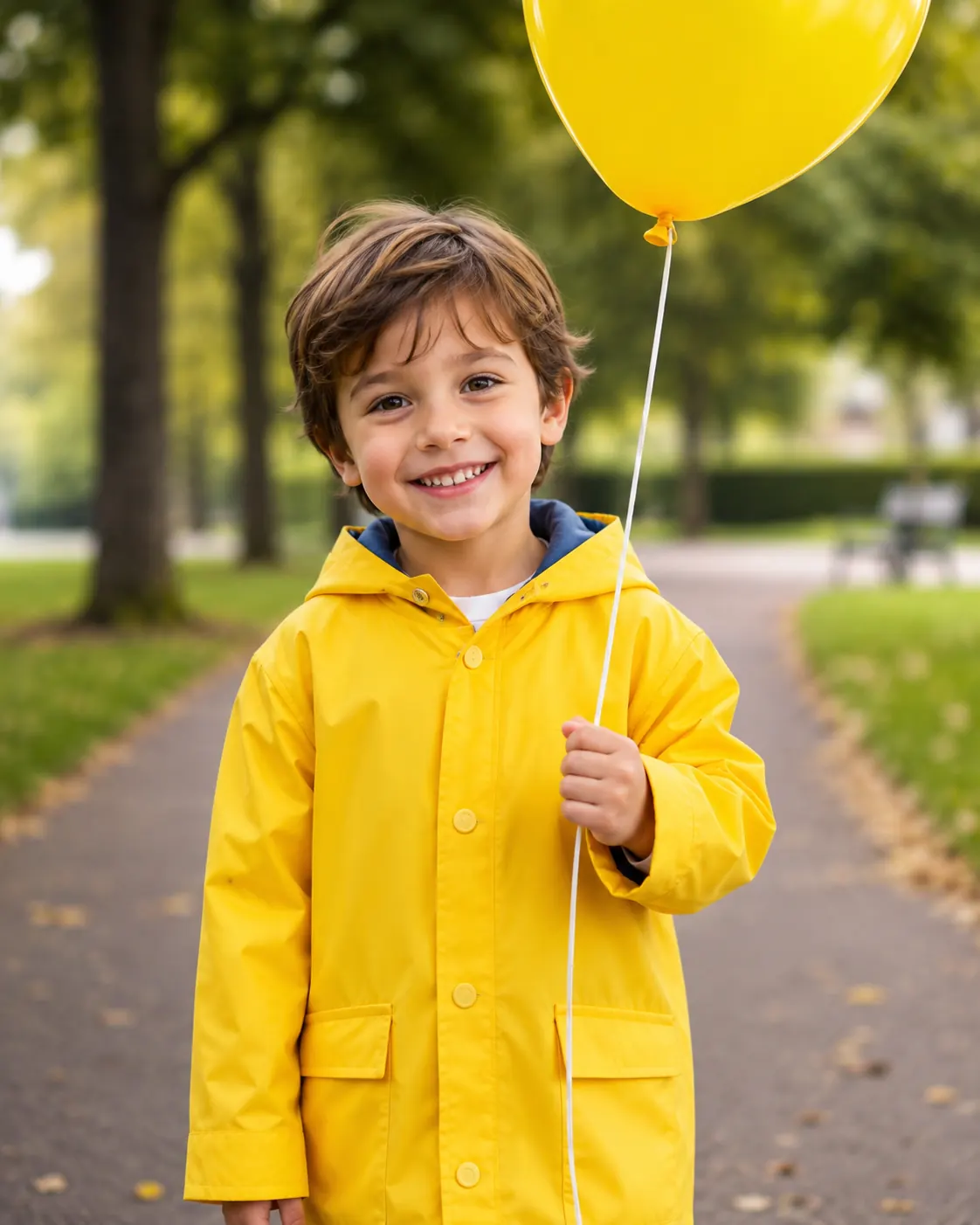
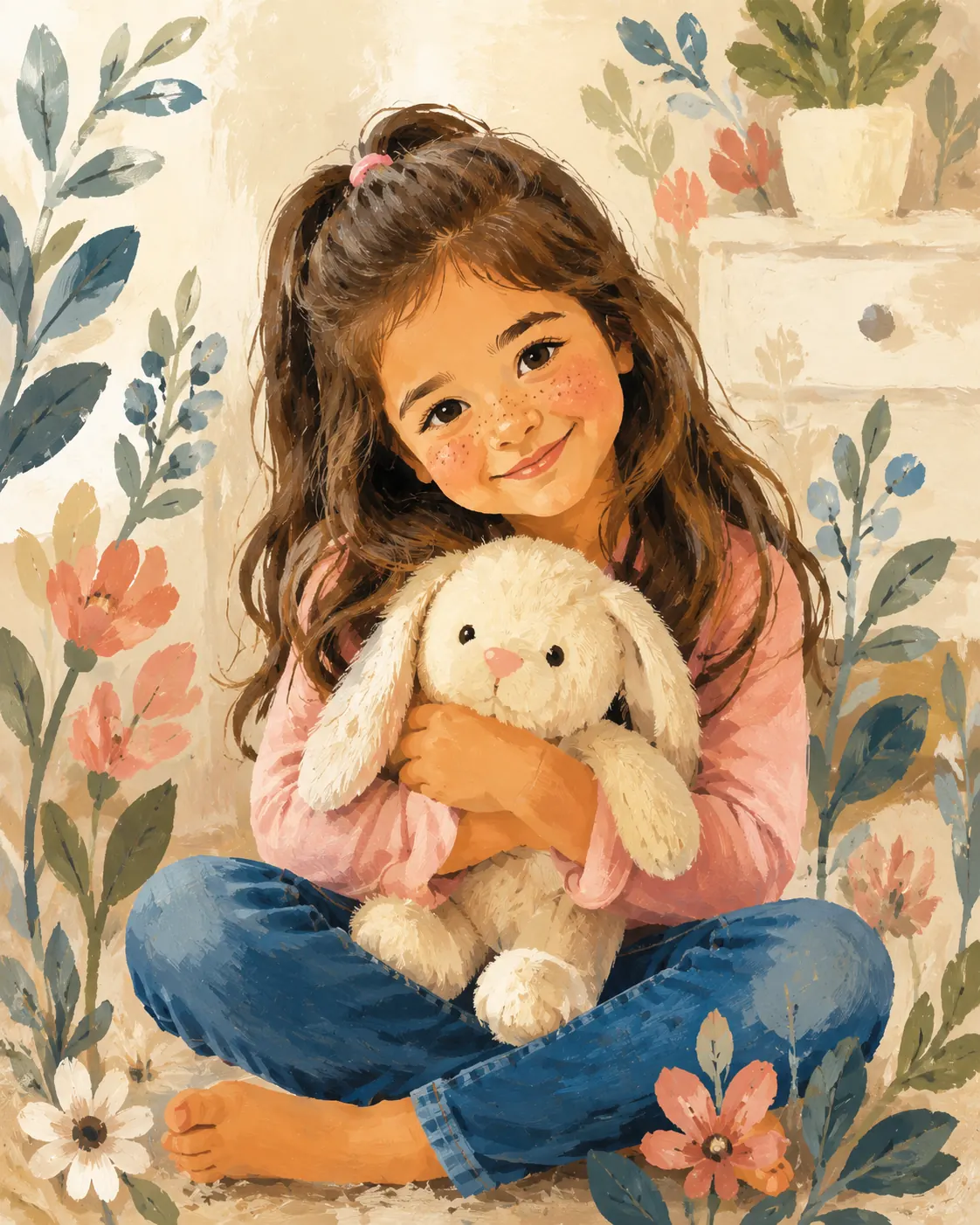
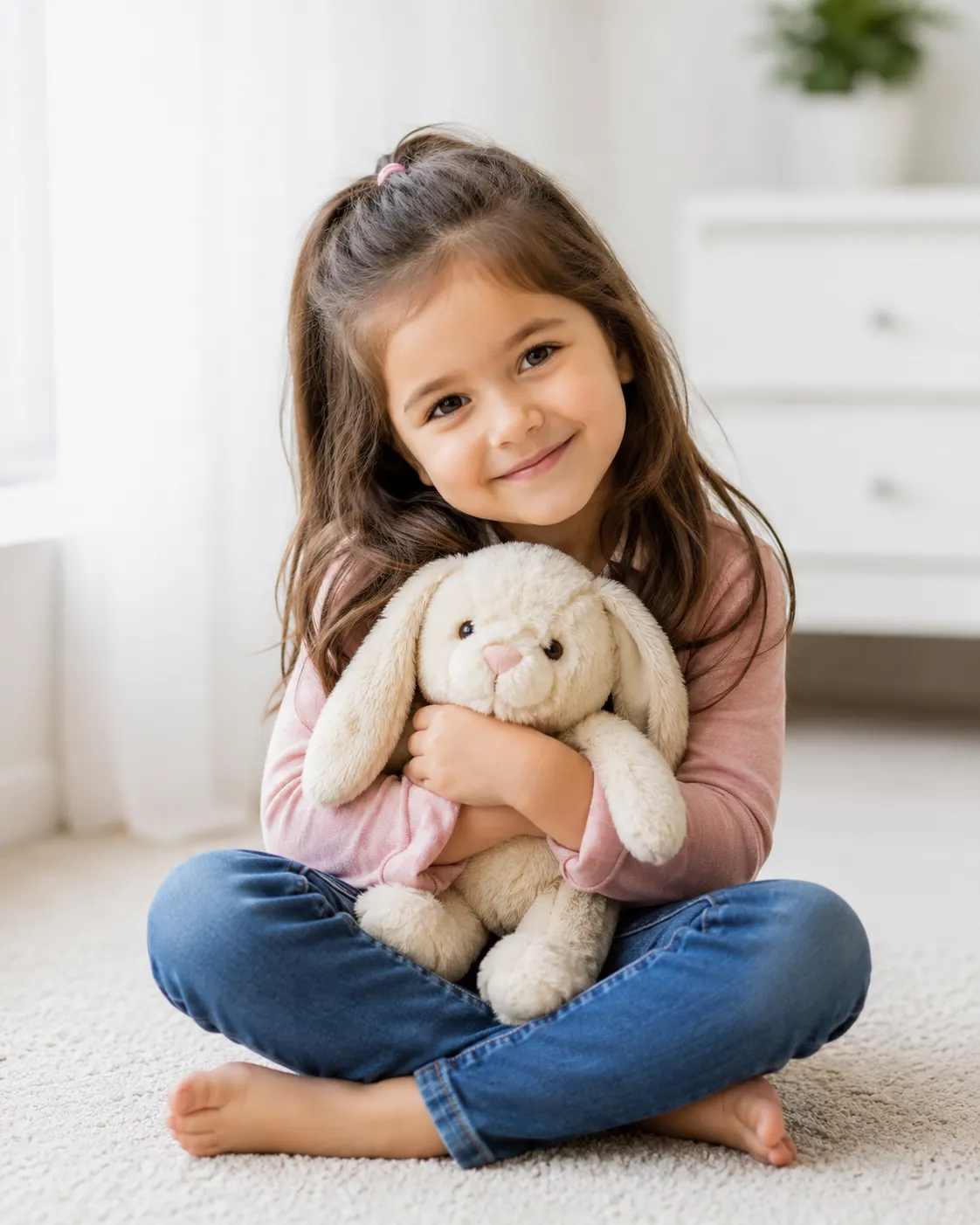
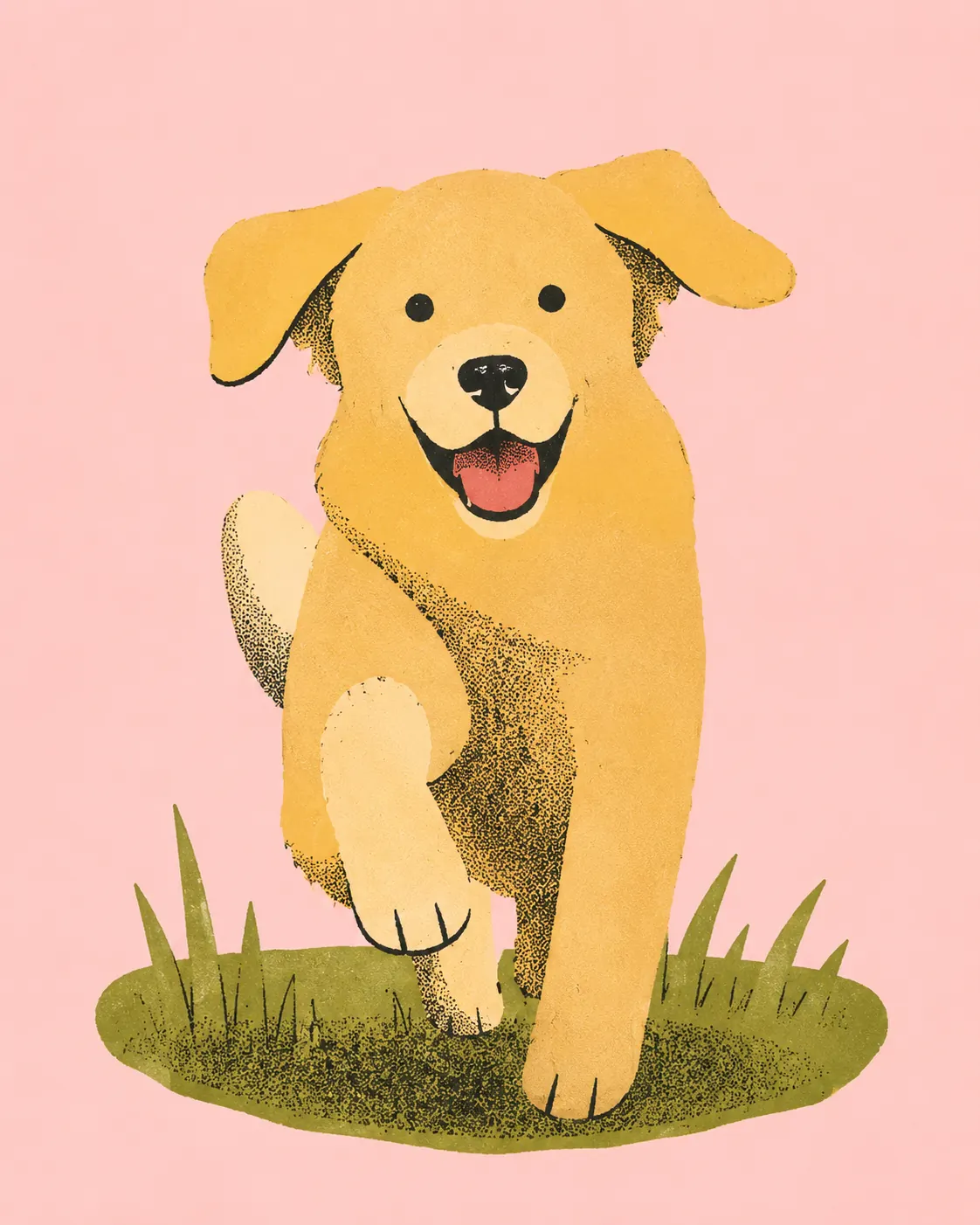
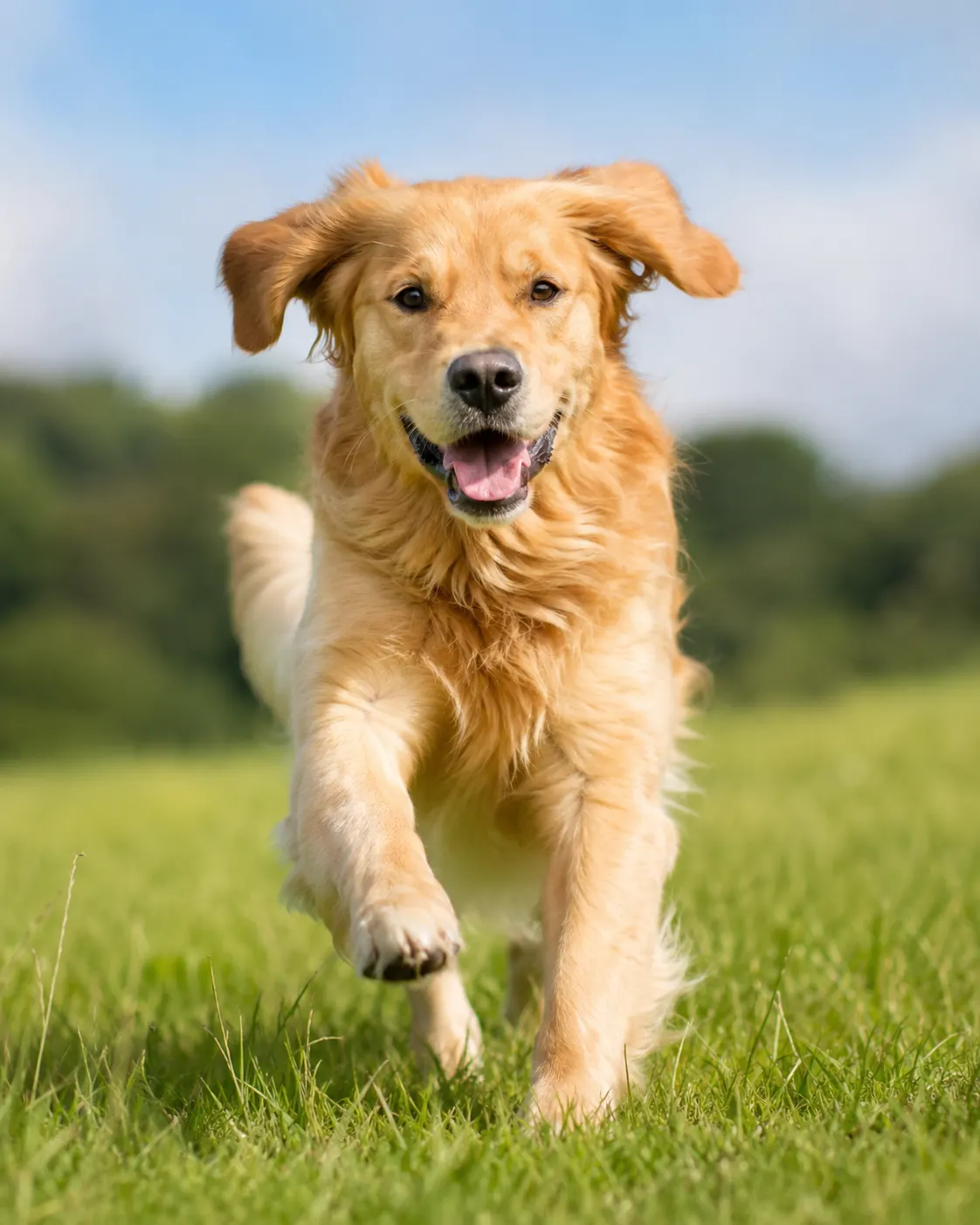
Compare original photos with pencil, ink wash, cloud, line art, coloring, caricature, and doodle results, then explore gouache and naive storybook illustration styles.
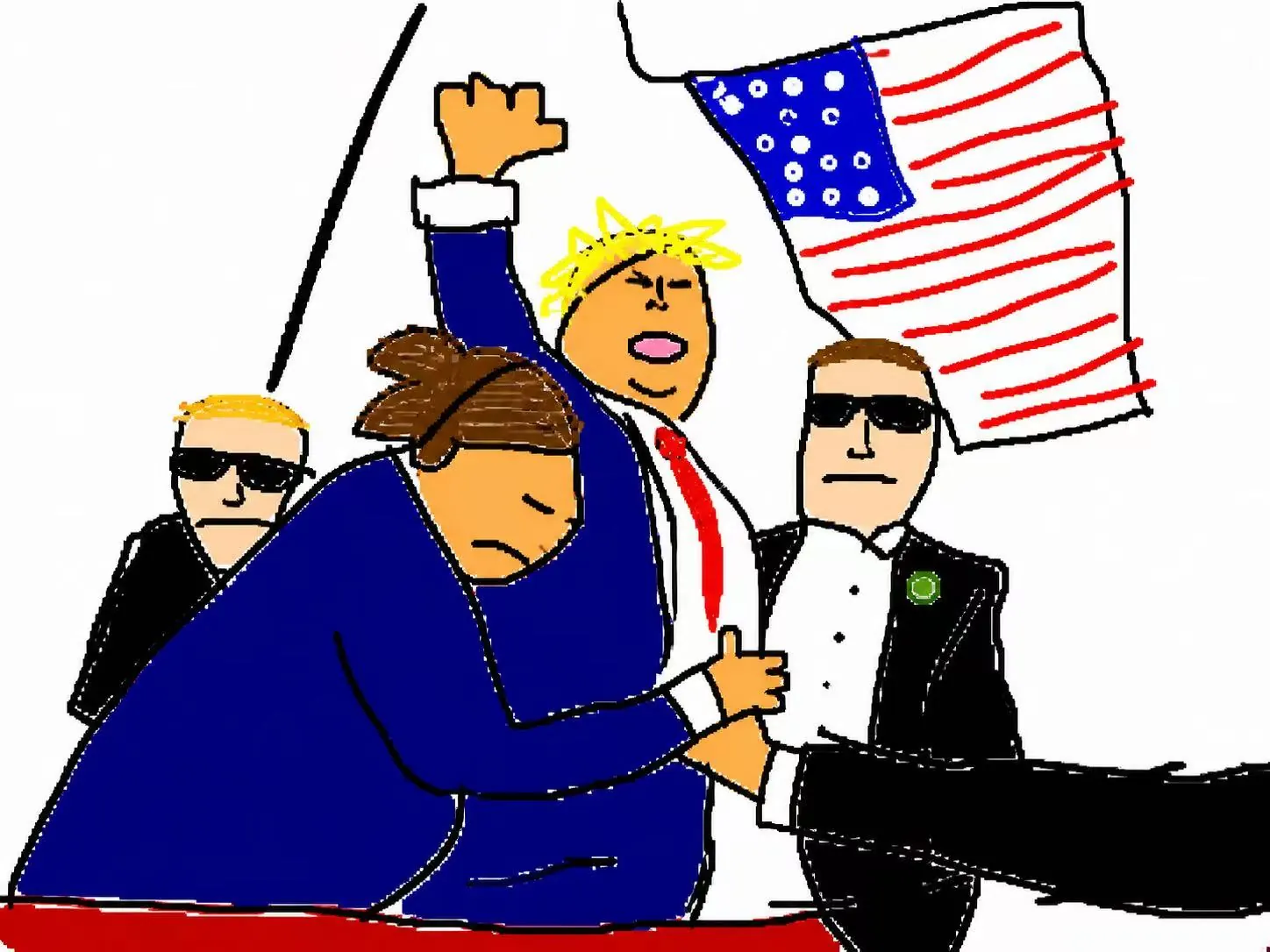
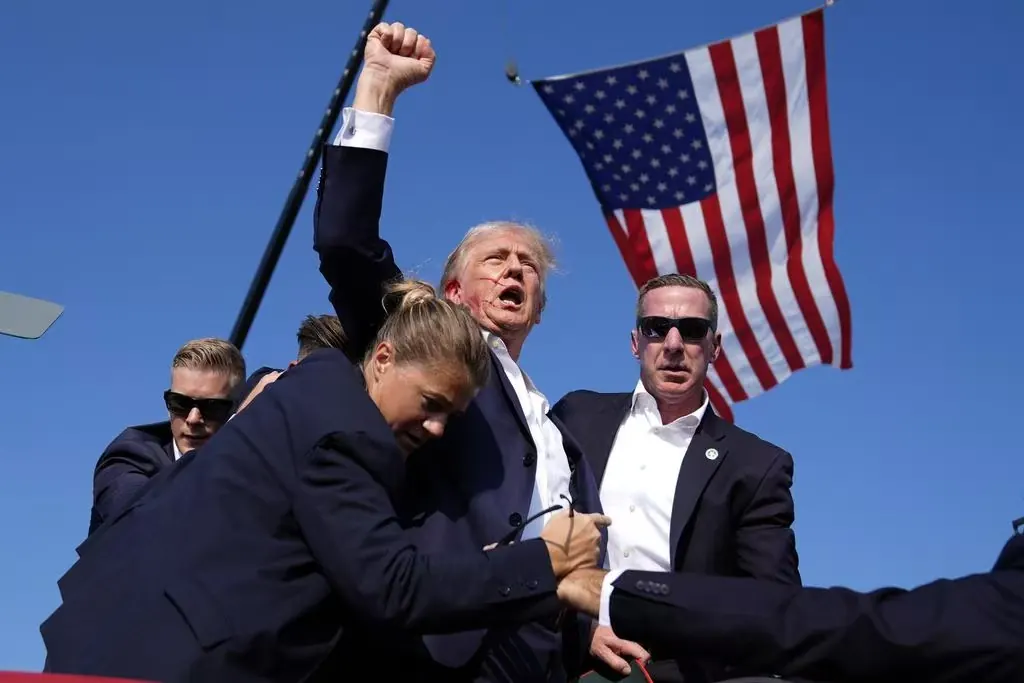
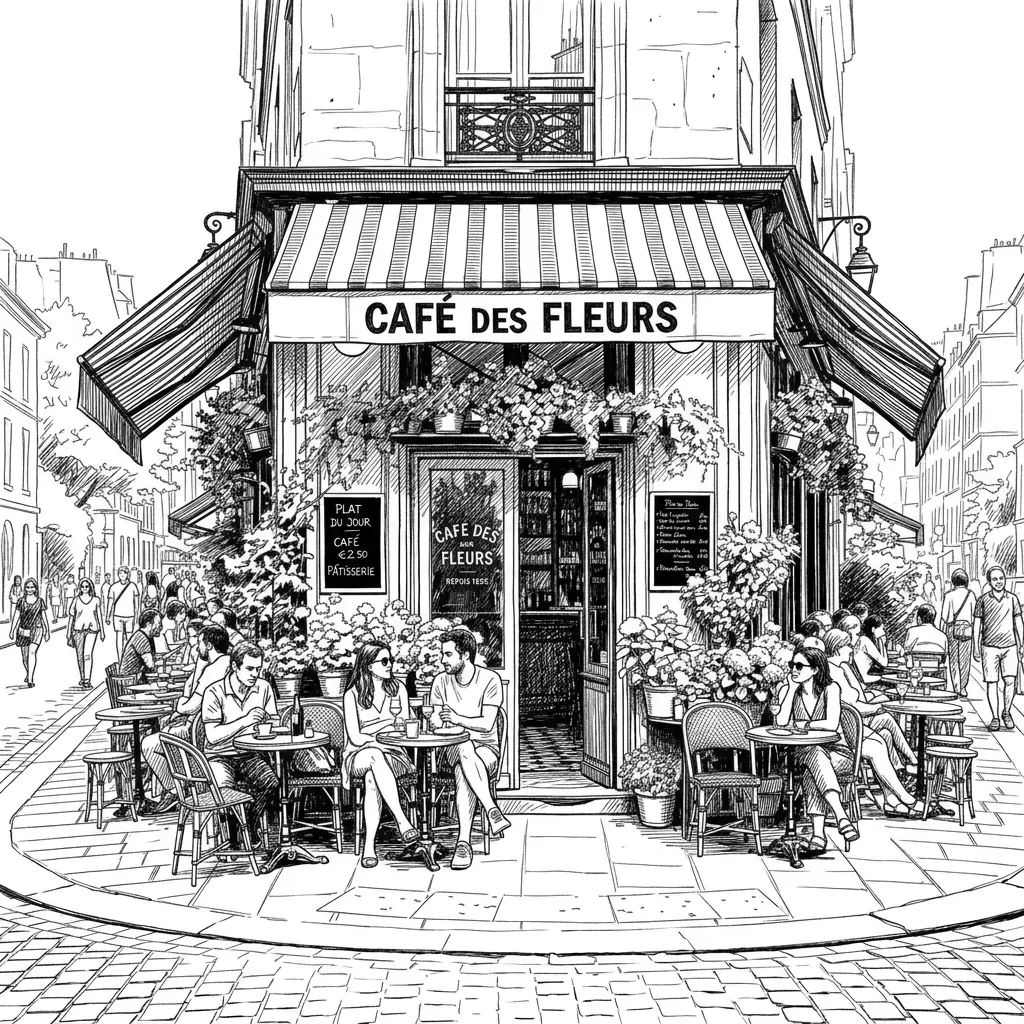
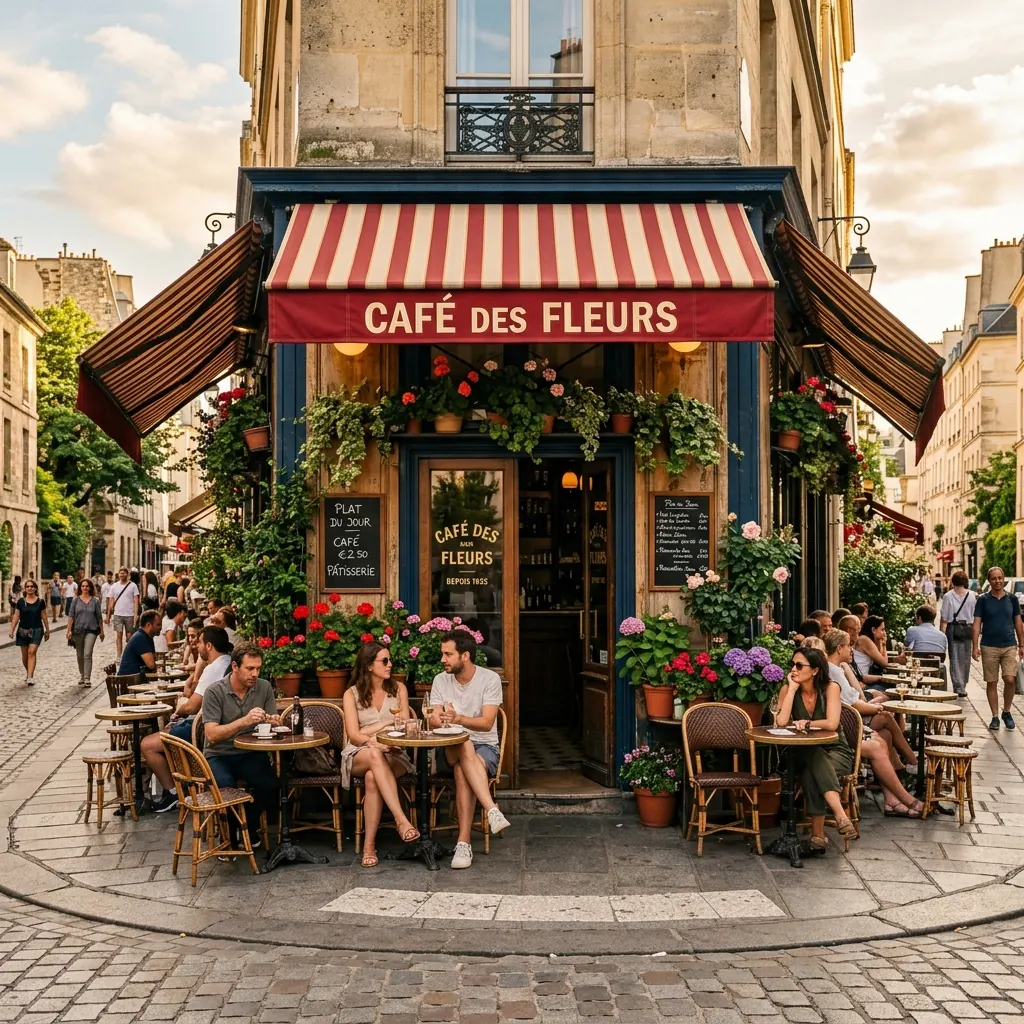
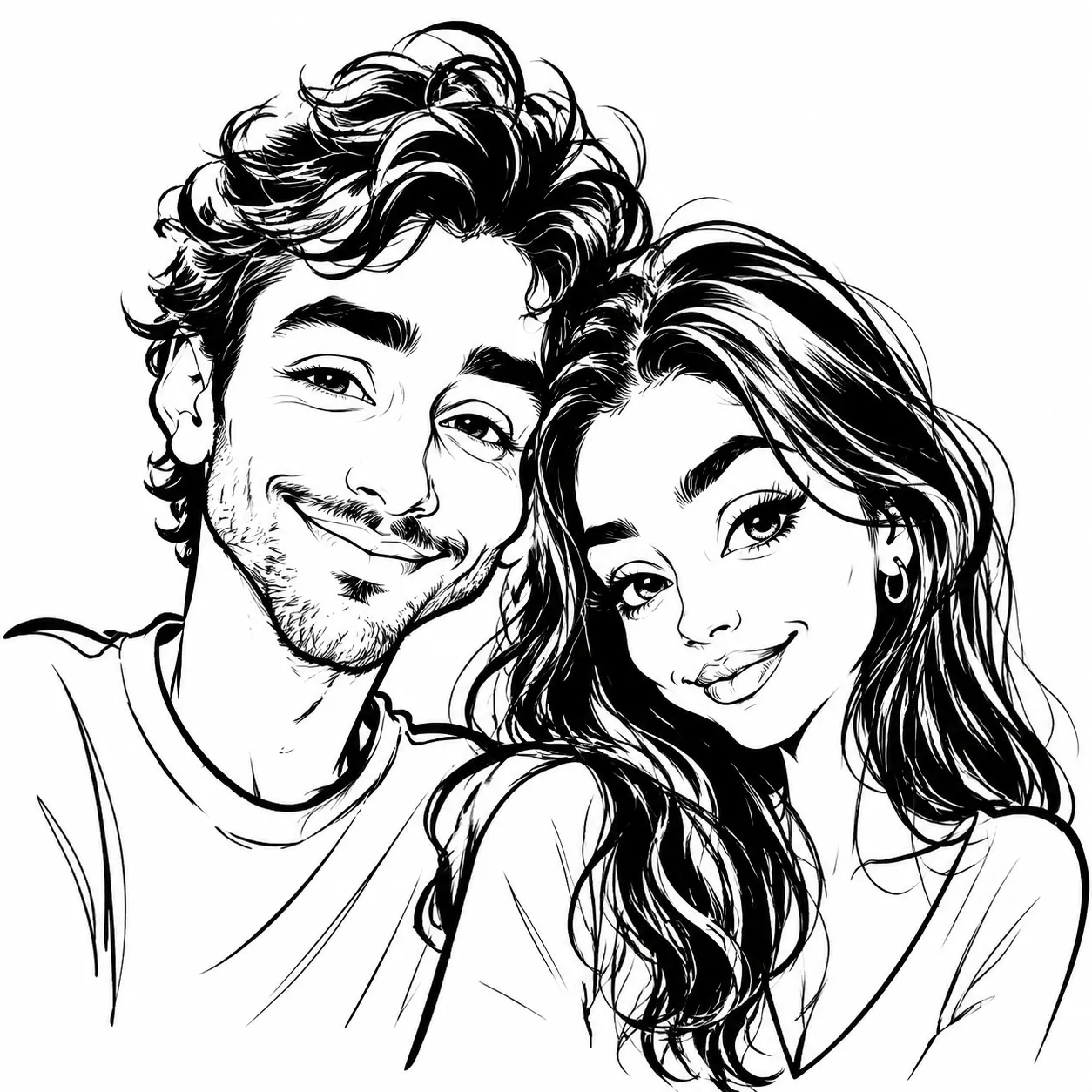
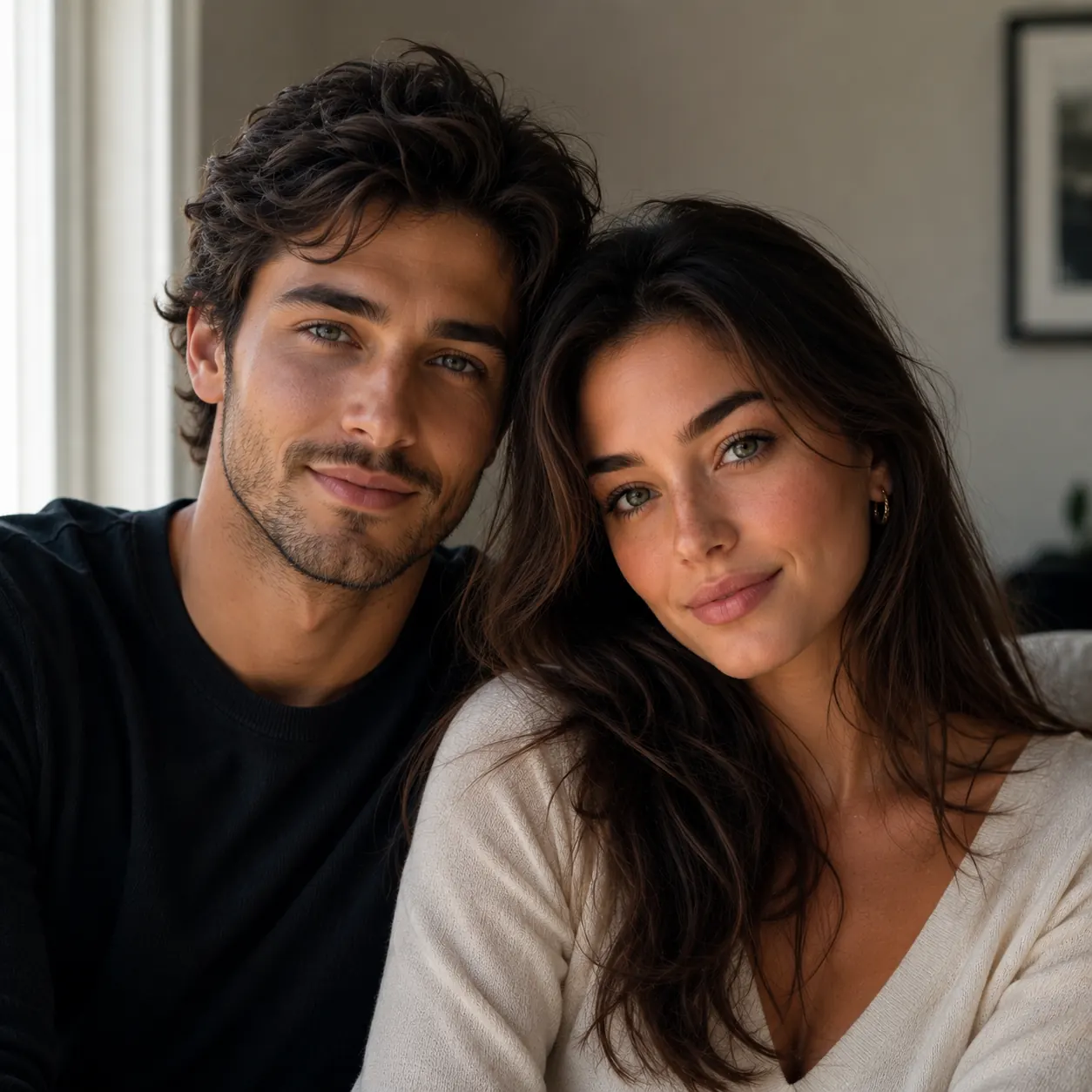
More Ways to Use an Image to Sketch Converter
Start with pencil and line art, then explore editorial posters, CRT interfaces, coloring pages, cloud and ink wash styles, or colorful illustration modes.
Photo to Sketch
Turn portraits, pets, objects, and everyday photos into sketch-style outputs for quick visual references and creative drafts.
Pencil Sketch References
Create softer pencil-style drawings with balanced detail for portraits, architecture studies, inspiration boards, and art practice.
Clean Line Drawing
Convert photos into simpler line art when you want clear contours, product outlines, craft references, or minimalist drawings.
Open toolColoring Page Outlines
Generate bold printable outlines for photo-to-coloring-page projects, worksheets, kids activities, and creator content.
Open toolCloud Sketch
Turn a clear silhouette into soft cumulus clouds in a blue sky, with adjustable cloud density.
Open toolInk Wash Sketch
Turn an image into Chinese brush ink with soft gray washes, poetic white space, and adjustable ink density.
Open toolStreet Caricature
Turn portraits into exaggerated street caricature sketches with bold ink lines, playful distortion, and hand-drawn energy.
Open toolAwkward Doodle Mode
Make intentionally clumsy doodles when a normal sketch would be too polished to stop the scroll.
Cute Doodle Art
Turn selfies, couples, pets, and everyday photos into colorful cartoons with bold outlines and playful hand-drawn decorations.
Open toolGouache Folk Art
Paint portraits and lifestyle photos with matte brush texture, expressive shapes, warm earth tones, rosy cheeks, and botanical layers.
Open toolNaive Storybook
Reframe photos as charmingly odd storybook scenes with pastel pink space, black stippling, rounded forms, and olive accents.
Open toolAbstract Editorial
Transform photo structure and color into a rich, source-led abstract editorial artwork with an optional title.
Open toolRetro CRT Interface
Rebuild an image as a modular monitor interface with selectable palettes, ratios, density, and CRT strength.
Open toolImage to Sketch FAQ
Quick answers about image-to-sketch results, supported styles, credits, and the best image types.
Yes. You can start free and use welcome credits to create sketch-style results before buying a credit pack.
imagetosketch works best for photo-to-sketch results, pencil sketch references, simple line drawings, ink wash sketches, cloud sketches, printable coloring page outlines, and quick visual drafts from real images.
Yes. Choose a coloring page-style direction when you want cleaner black-and-white outlines that are easier to print, trace, or color.
Awkward Doodle mode redraws your image as a deliberately clumsy sketch, useful when you want a funny result instead of a polished pencil drawing.
Ink Wash Sketch mode turns an image into a Chinese brush-ink style result with black strokes, diluted gray washes, clean white space, and adjustable ink density.
A pencil sketch usually keeps more shading and texture, while a line drawing emphasizes clearer contours and simpler outlines with less tonal detail.
Free registered users receive 1 credit to try the image to sketch workflow before upgrading.
Most image to sketch conversions complete in seconds, depending on image size, detail level, and current processing load.
High-contrast photos, portraits, pets, objects, plants, products, and scenes with clear edges usually create the cleanest sketch, line-art, and coloring-page results.
Yes. Generated sketches can remain available in your account history so you can revisit and download them later.
Yes. Users with remaining paid credit pack balance can convert up to 4 images per batch with one shared style.
Email support@imagetosketch.ink for support, billing, privacy, or product questions.
Image to Sketch Pricing
Buy credits once and use them anytime. Every result is watermark-free. Paid credit packs add batch conversion and background cleanup.
20 Credit Pack
A low-friction pack for small creative batches.
- 20 non-expiring credits
- Batch up to 4 images at once
- Background cleanup
- Pay once, use anytime
45 Credit Pack
For regular image-to-sketch work with one-time credits.
- 45 non-expiring credits
- Batch up to 4 images at once
- Background cleanup
- Pay only when you need it
100 Credit Pack
For heavy batches, classrooms, teams, and repeat creative workflows.
- 100 non-expiring credits
- Batch up to 4 images at once
- Background cleanup
- Lowest cost per image